One-click table selection and a smart cart
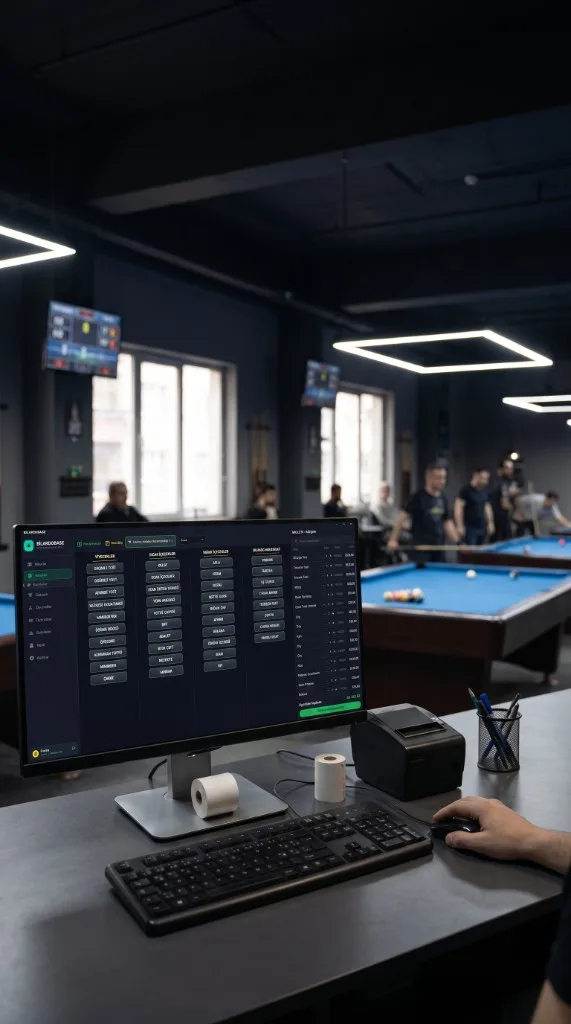
Taking orders has never been this easy. Pick the table from the drop-down at the top of the screen (e.g. Table 1, Table 2, Table 3). Move items to the order panel on the right and confirm everything at once with the «Add orders to table» button. It works like a familiar online shopping cart, so checkout stays fast and error-free even at peak hours.
Category-based product screen
Find any item in seconds with categories listed in columns such as food, hot drinks, cold drinks and billiard supplies. Clean, easy-to-read product buttons speed up your staff, and the search bar lets you find any of hundreds of items by name and add it instantly.
Product and stock management on the same screen
No need to jump between pages. When you add a new item to your menu, use «Add New Product» at the top to put it in the catalog in seconds. When deliveries arrive, record them instantly with the «Add Stock» shortcut and keep every stock movement under control from one screen.